
The Confession
I have a secret.
Before I started playing with robots, I already loved VS Code (But that doesn’t mean I’m blindly biased toward it 🫠).
I used it for Python. I used it for web dev (when uni assignments briefly let me be creative). I had my themes perfect. My snippets are ready. My Git workflow is smooth. I was comfortable. (damn, I can make multiple versions of it 🎉)
Then I bought an ESP32 for the first time.
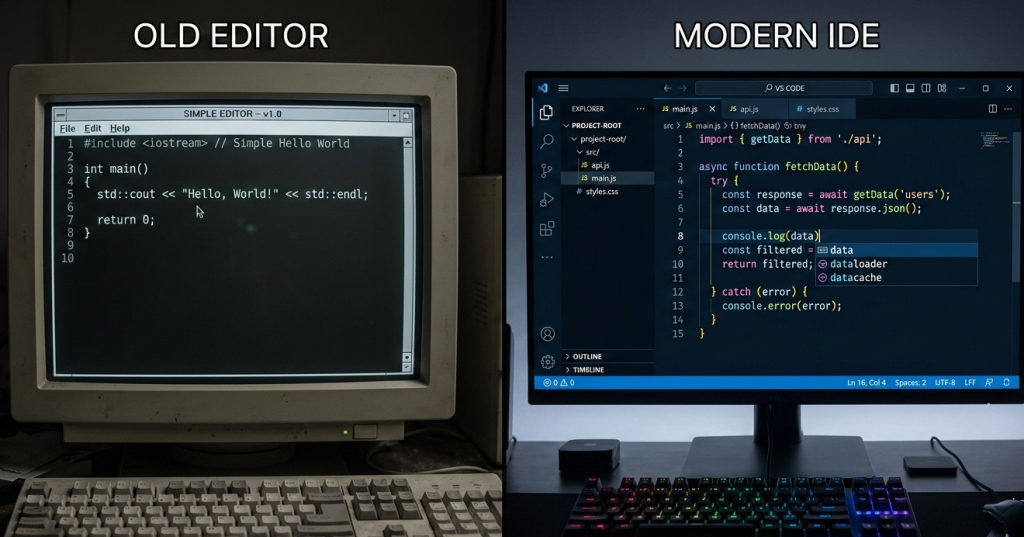
And the official Arduino IDE greeted me like a time machine from 2005.
No syntax highlighting that actually helps. No autocomplete. No Git. No snippets. No Copilot (I love it).
I looked at that blue interface and thought: “Wait… this is what robotics people use XD? Every single day?”
Why VS Code + PlatformIO Changed Everything
Let me be specific about what I actually love.
1. The VS Code Habits I Never Wanted to Give Up
I came into robotics already spoiled by:
- Snippets. In Python, I type
forand boom—entire loop structure appears. In Arduino IDE? Type every single character manually like a caveman. - Multiple cursors. Hold Alt, click everywhere, edit 10 lines at once. Try that in Arduino IDE. (You can’t.)
- Split view. Code on one side, reference on the other. Arduino IDE? Hope you have two monitors.
- Git integration. I’m not a Git expert, but having it right there means I actually commit my projects. No more “project_final_FINAL_reallyfinal.ino” on my desktop.
2. The Autocomplete That Saves My Brain
I’m an ME student. I don’t memorize function names. I remember gear ratios. I remember stress formulas. I remember how much weight a beam can hold.
I don’t remember whether it’s Serial.println() or Serial.print() or Serial.write() every single time.
In VS Code: Type Serial. → dropdown shows me everything. I pick. I move on. No Google. No “wait what was it again?” No 47 tabs open.
3. The Library Manager That Actually Works
Remember the ZIP dance? The praying? The wrong library downloads?
In PlatformIO:
- Click Libraries
- Search “DHT22”
- Click Install
#include <DHT.h>in your code- Done.
No restart. No praying. No “why is this not working oh wait I downloaded the wrong one.”
4. The Real Game Changer: GitHub Copilot
Okay, this is the part I’m most excited about.
In Arduino IDE, you’re alone. Just you and your brain and maybe Stack Overflow if you’re desperate.
In VS Code with Copilot? I type a comment like:
cpp
// Read temperature from DHT11 and print to serial
And Copilot just… writes it. The whole thing. Correct syntax. Proper variables. Working code.
I’m not saying let AI do everything. But for repetitive stuff? For “I know what I want but I’m tired of typing it”? For “what’s the exact function name again?”—Copilot is like having a senior developer sitting next to me, whispering answers.
Arduino IDE has nothing close to this.
5. Proper Project Structure
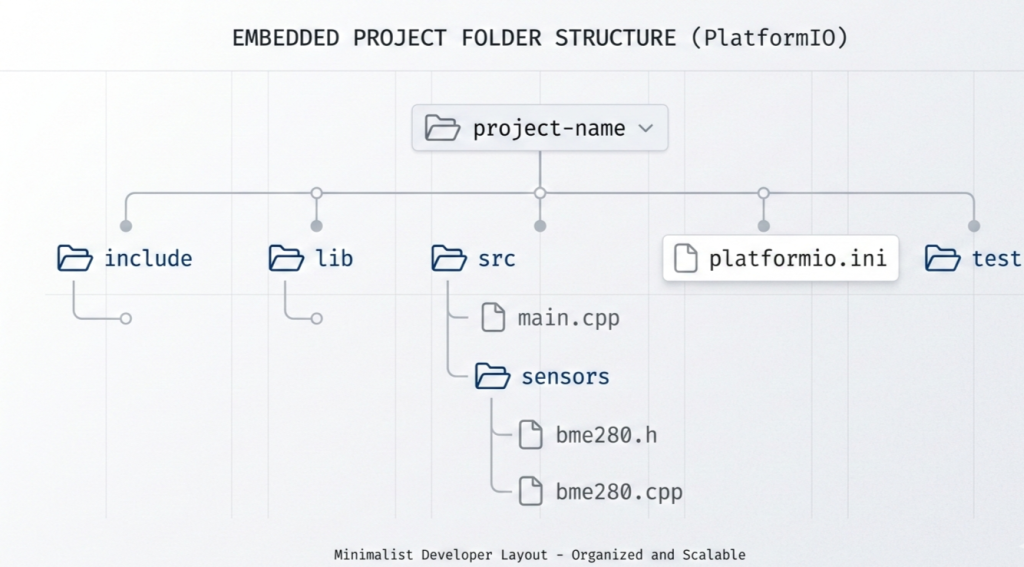
In Arduino IDE: One file. Everything in one place. Good luck when that file hits 1000 lines.
In PlatformIO:
text
my_project/
├── src/
│   └── main.cpp
├── lib/
│   └── (your custom libraries)
├── include/
│   └── (header files)
├── platformio.ini
└── .git/
Now when I open a project from 2 months ago, I actually understand it. Code is in src. Libraries are separate. Configuration is in one file. It makes sense.
The Honest Truth: What’s Harder
I’m not going to pretend switching is effortless.
First time setup: Arduino IDE = 30 seconds. VS Code + PlatformIO = 10-15 minutes. You have to install things. You have to understand what platformio.ini is. You’ll probably click the wrong thing at least once.
The config file: Speaking of platformio.ini, it looks scary at first:
ini
[env:uno]
platform = atmelavr
board = uno
framework = arduino
But that’s literally it. Three lines. You copy-paste from their docs and move on.
More buttons: VS Code is a professional tool. There are extensions for everything. You’ll open panels you don’t understand. Close them. It’s fine.
When Do I Still Use Arduino IDE?
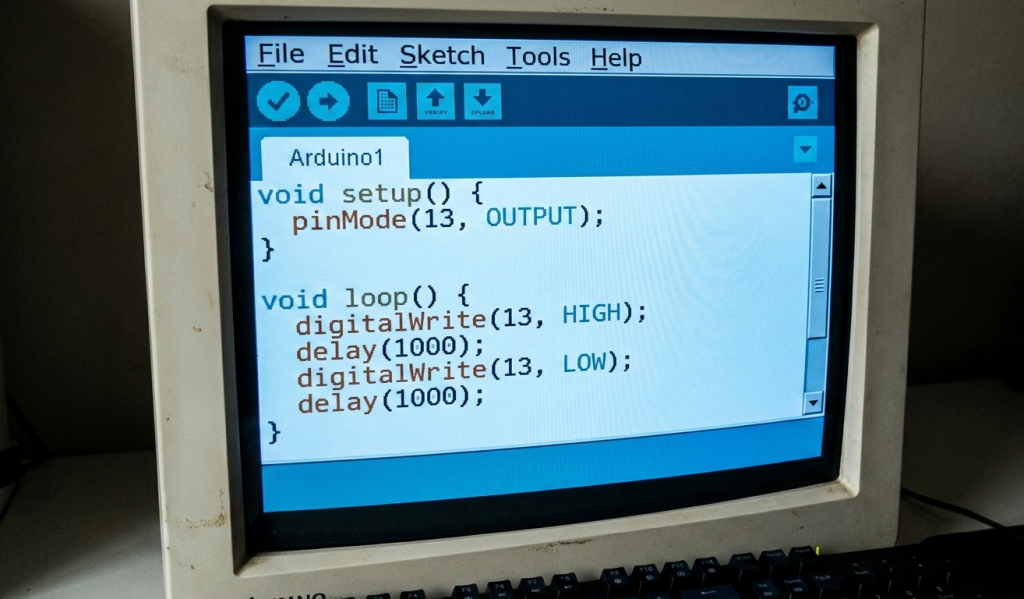
I’m not a purist. I still open Arduino IDE sometimes:
- Quick sensor test: Like 5 minutes, just see if this thing works
- Helping friends: They’re using Arduino IDE, so I meet them there
- Old projects: Haven’t migrated everything yet
But for anything real? Anything I’ll work on for more than an hour? Anything I might want to share or come back to later?
VS Code + PlatformIO. Every time.
How I Set It Up (Step-by-Step for the Impatient)
For those ready to jump:
- Open VS Code (you probably already have it installed if you’re like me)
- Click Extensions (or Ctrl+Shift+X)
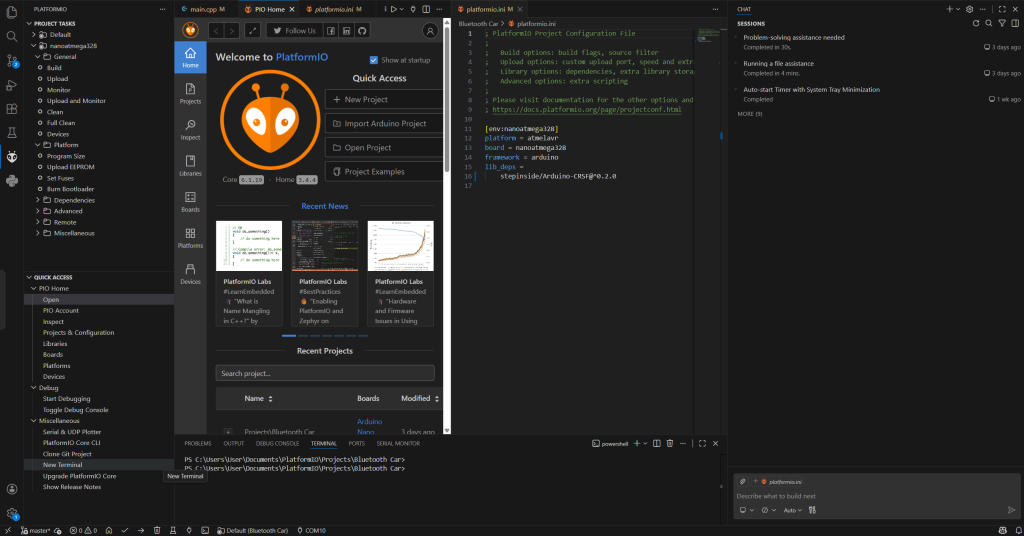
- Search “PlatformIO IDE” — install the one with the little ant logo
- Wait for it to install (it’s big, be patient)
- Click the PlatformIO icon (ant on left sidebar)
- Click “New Project”
- Name it, select your board (like “Arduino Uno”), choose “Arduino” as framework
- Wait again (first time downloads toolchains—go get chai)
- Open
src/main.cppand start coding - Click the arrow (→) at the bottom to compile and upload
First project done. Welcome to the future.
What About Copilot?
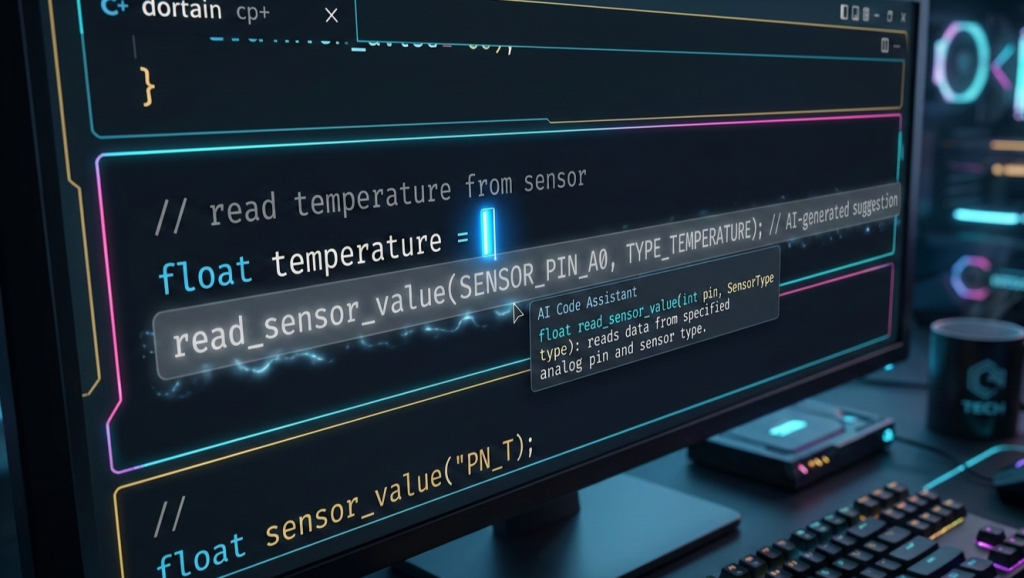
If you want AI help:
- GitHub Copilot is paid but has student discount (GitHub Student Developer Pack—use your BUET email!)
- Or try alternatives: TabNine, Codeium (free options exist)
- Even without AI, VS Code’s built-in IntelliSense is already miles ahead of Arduino IDE
My Setup Now
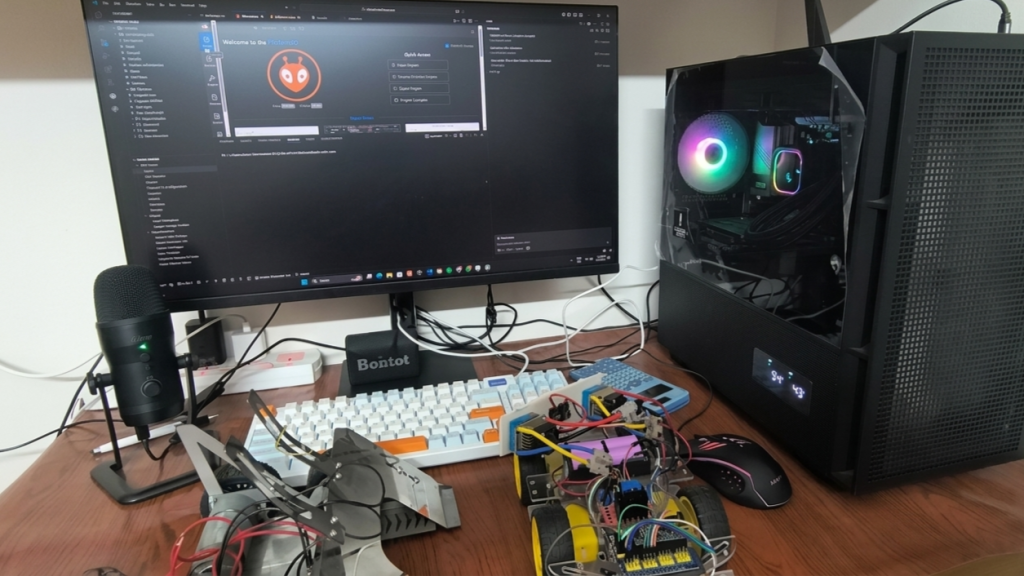
For Roborear, everything lives in VS Code:
- Python scripts for data analysis? VS Code.
- Web dev for fun? VS Code.
- Robot code? VS Code + PlatformIO.
- Git commits? Right there.
- Copilot suggestions? Always on.
One editor. Everything I need. No context switching. No fighting my tools.
The Real Reason I’m Never Going Back
It’s not about features. It’s not about being “pro.”
It’s about time.
I’m a first-year ME student at BUET. My time is limited. Between thermodynamics, mechanics, and trying to have some kind of life, I don’t have hours to waste on bad tools.
VS Code + PlatformIO saves me time every single day. Autocomplete saves me from Googling. Copilot saves me from typing. Git saves me from losing work. Library manager saves me from ZIP hell.
Arduino IDE was fine for blinking an LED. But for building real things? For growing as a maker?
No competition.
Your Turn
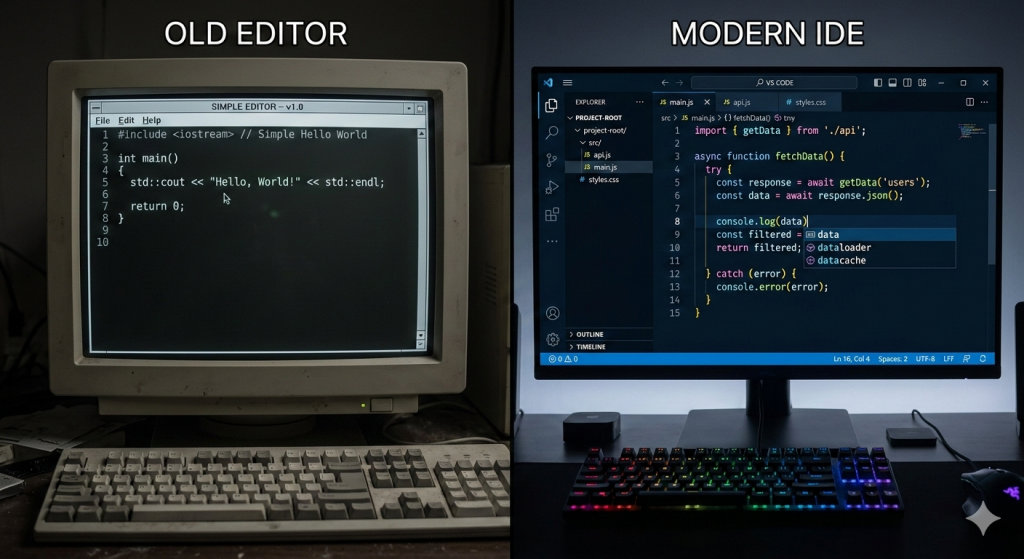
If you’re reading this and thinking “okay but Arduino IDE is simpler” — you’re right. It is. For about two weeks.
If you’re reading this and thinking “I want what he has” — go install PlatformIO today. Spend an hour feeling confused. Then spend the rest of your robotics journey wondering why you didn’t switch sooner.
And if you get stuck? Drop a comment. I was exactly where you are. I remember the confusion. I remember thinking “why is nothing easy?”
It gets easier. Promise.
Now go build something cool with your fancy new tools. 🚀
— Shahrear, Roborear