
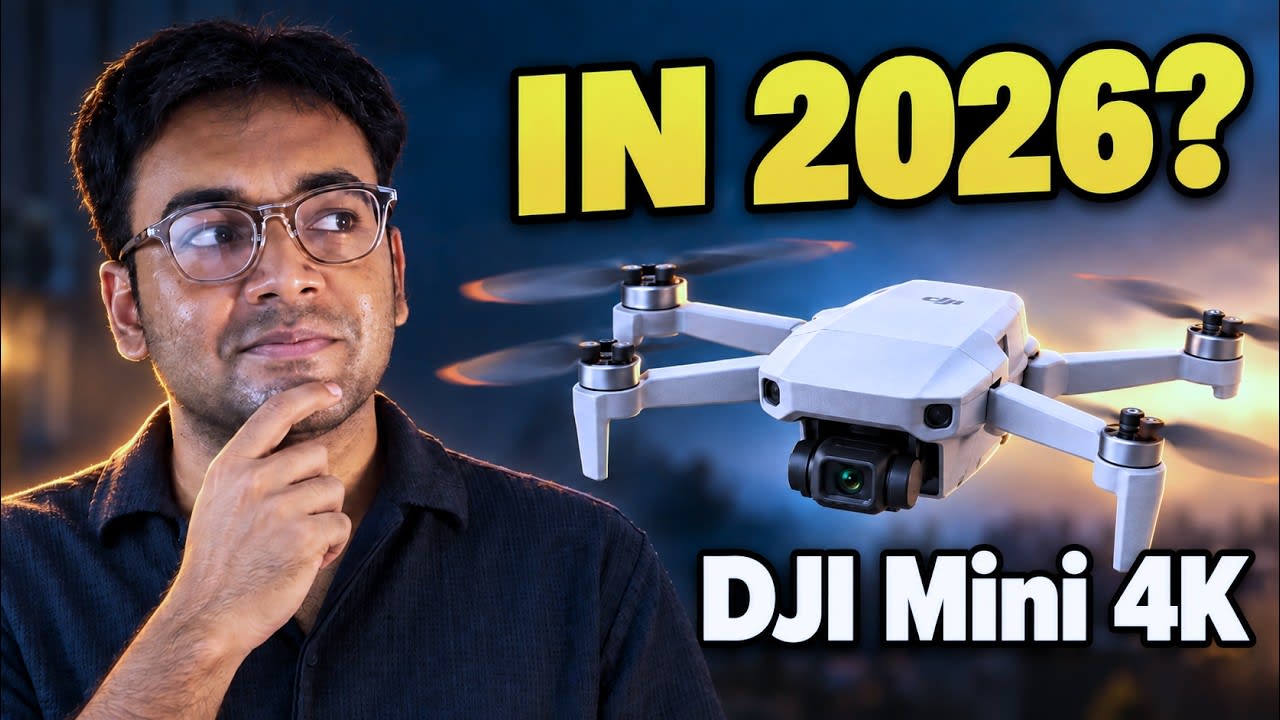
The first thing you see in my video is a roundabout in Banasree, Dhaka, filmed straight down from the sky. The buses look like toys and the traffic flows around a green circle.
That shot came from this small grey drone, the DJI Mini 4K. I’ve owned it for about a year. I’ve flown it a lot. I’ve also dropped it at my university, dropped it on a metro rail trip, and tried to catch it on my hand once. It fell.

So I can answer the question that a lot of beginners ask now that DJI sells so many small drones: is the DJI Mini 4K still worth buying in 2026?
Short answer: it’s still a lovely little camera drone, and I don’t regret buying it. But it has no obstacle avoidance, and after a year that’s the thing I notice most. If you can spend a little more, I’d now pick a drone that can see what’s in front of it. Read on for the details and my suggestions.
Loads from YouTube when you press play, and YouTube may then set cookies. Watch on YouTube
What’s in the Fly More Combo
I bought the Fly More Combo, which is the version I’d recommend. The box is light and simple, and the 249 g number on the front matters, as you’ll see later.
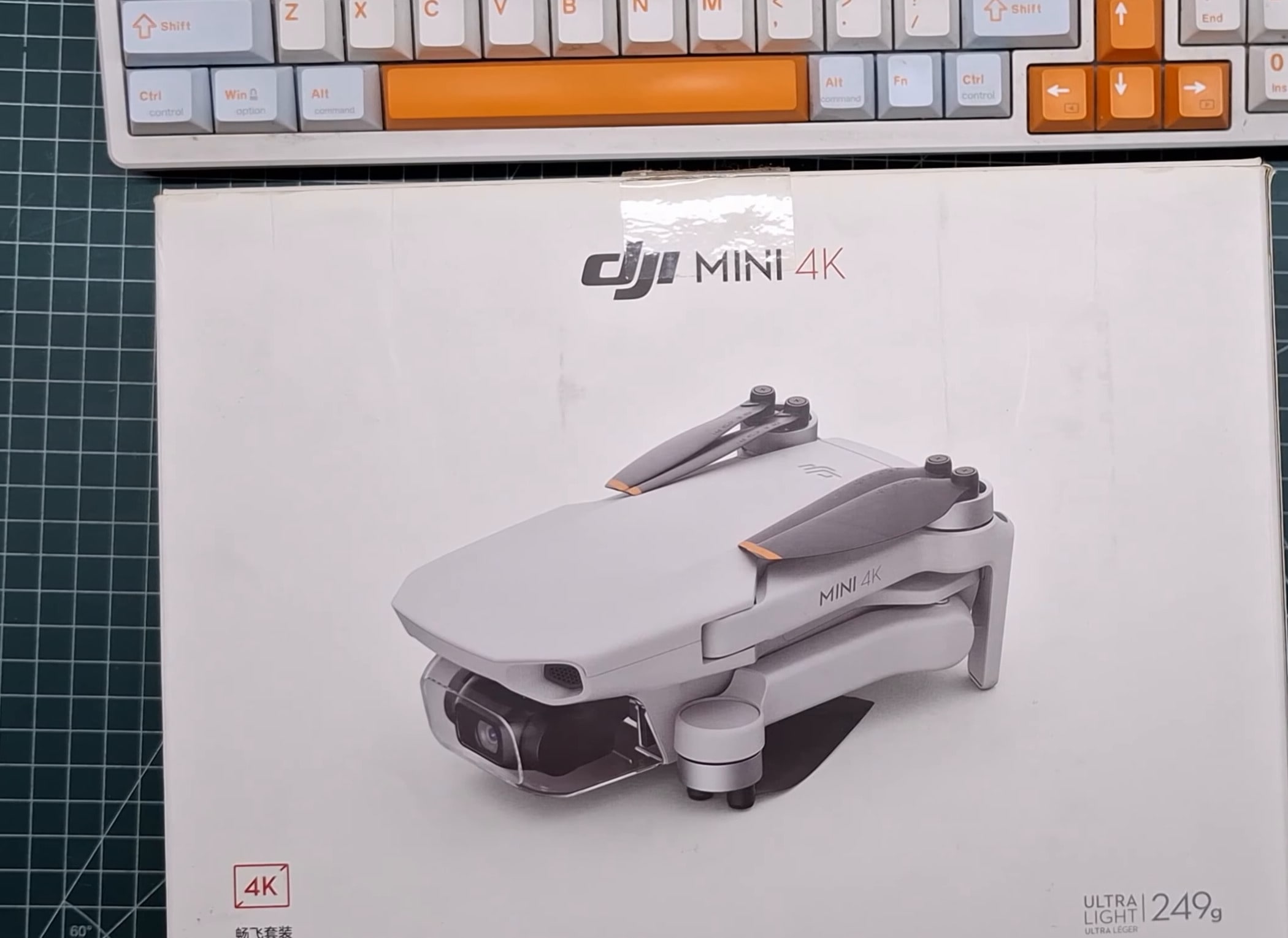
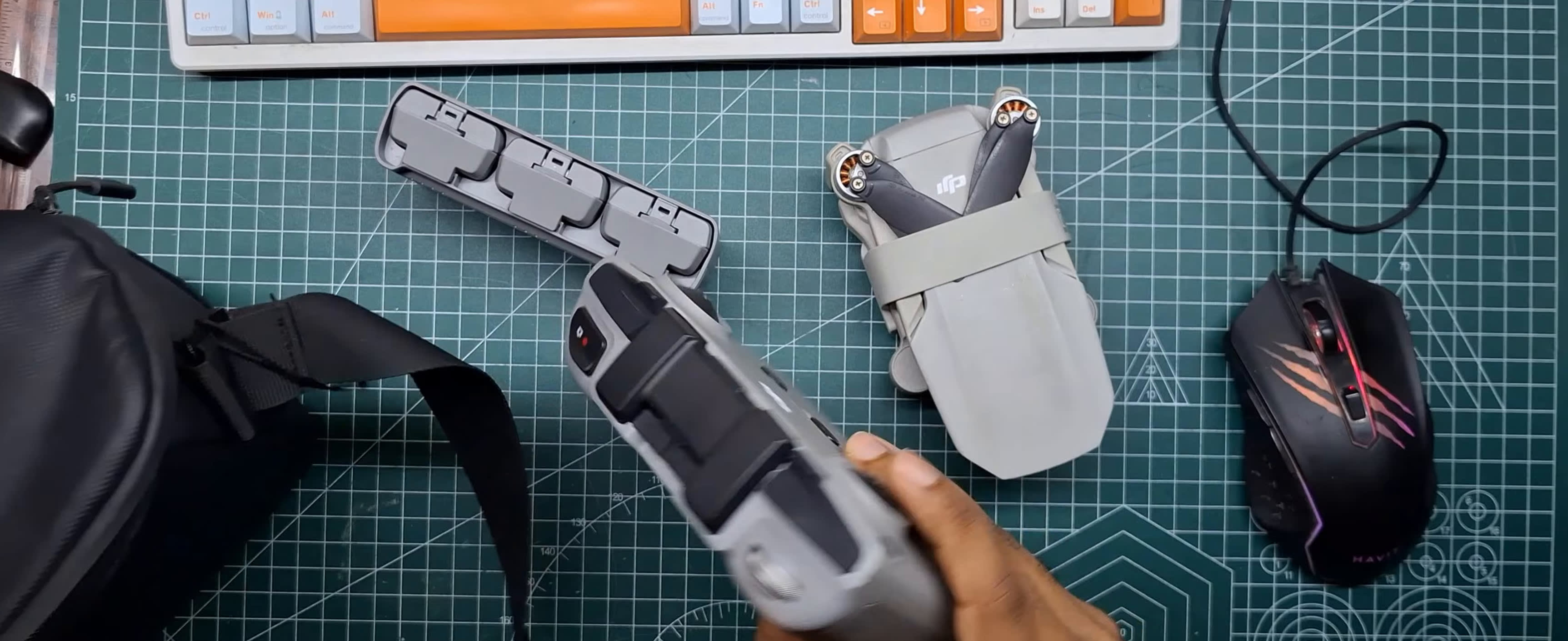
| Item | What it’s for |
|---|---|
| DJI Mini 4K drone | The drone itself, folded, with a cover over the gimbal |
| 3 Intelligent Flight Batteries + charging hub | Swap batteries and keep flying |
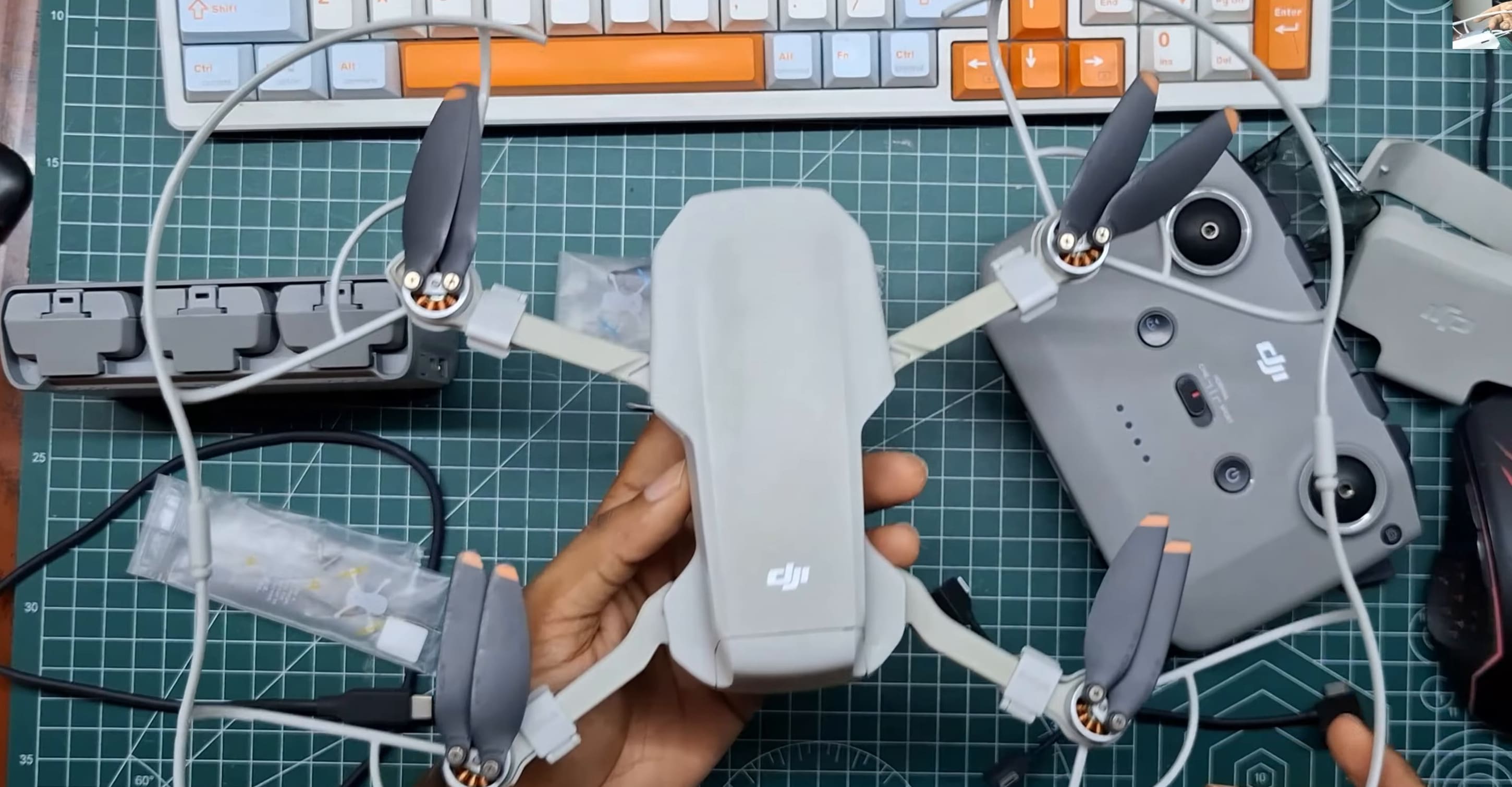
| DJI RC-N1 controller | Sticks and buttons; your phone becomes the screen |
| Controller cables: USB-C, Lightning and Micro-USB | Connect almost any phone to the controller |
| Spare propellers and a small screwdriver | Replace and tighten propellers |
| Shoulder bag | Carries everything |
Three batteries make a big difference. One battery is a short session; three make it a proper one. That’s the main reason I’d buy the combo rather than the drone alone.
First look: small, folded and surprisingly well made
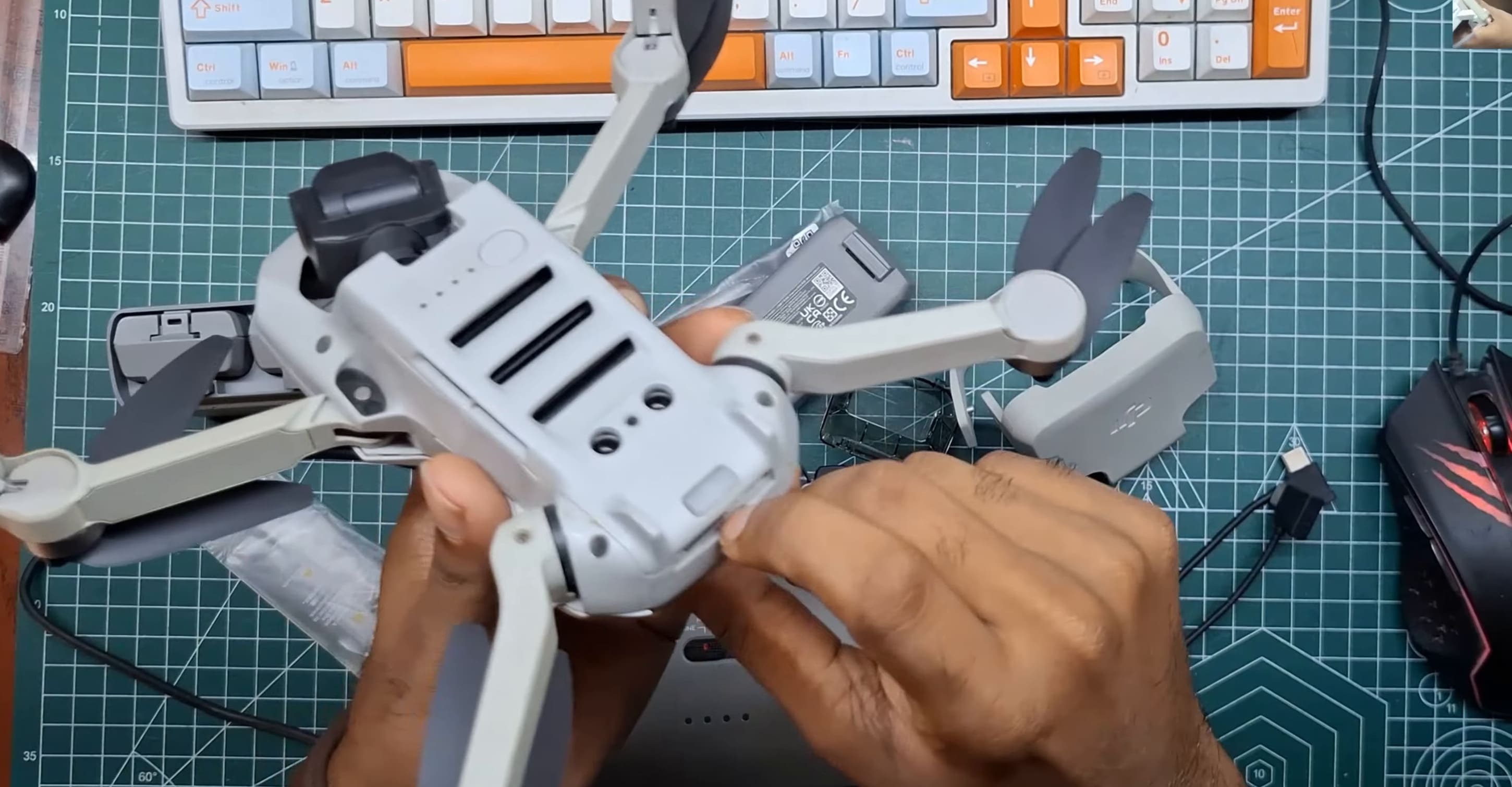
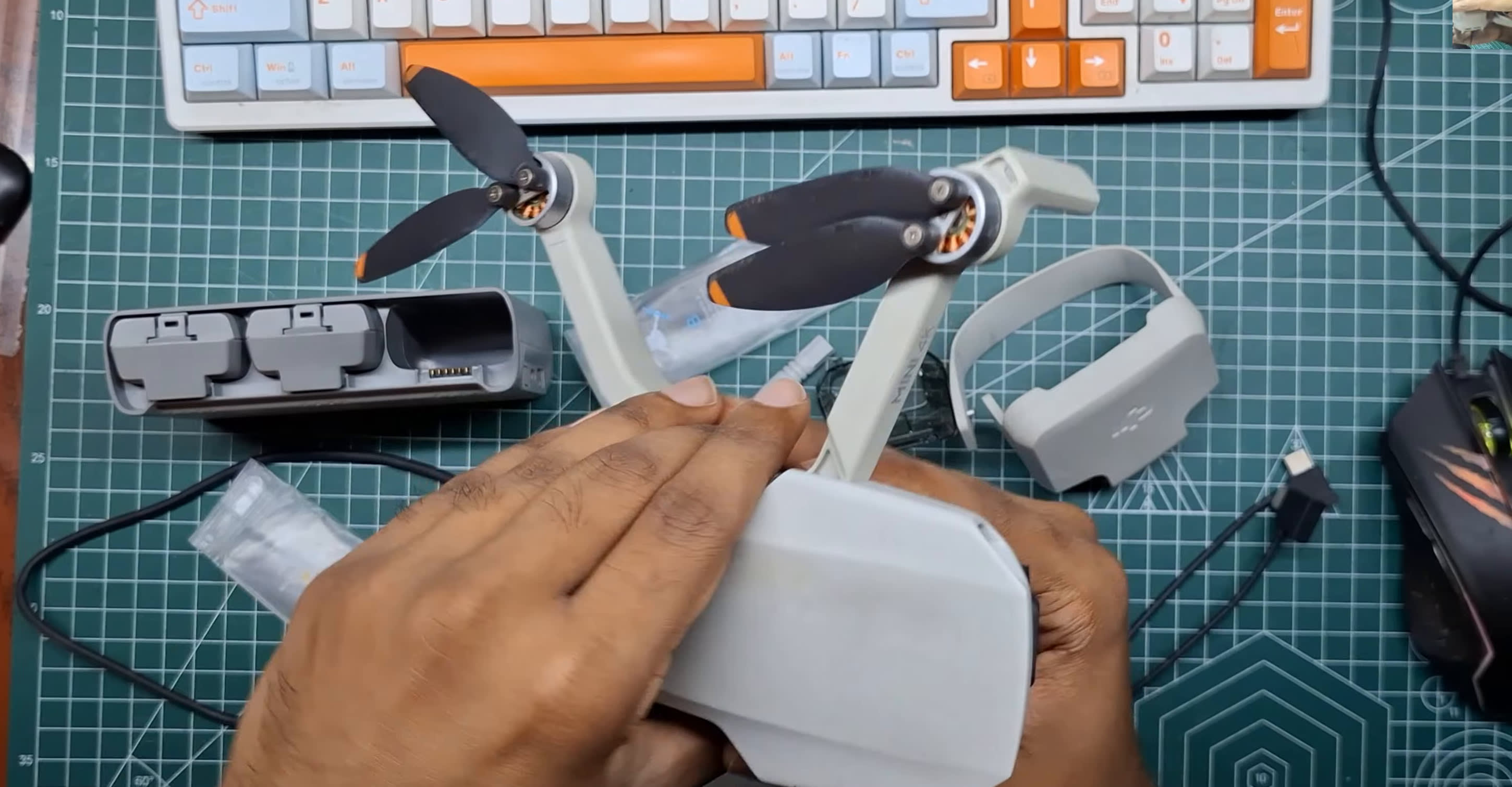
Take off the gimbal cover and you see the camera on a 3-axis gimbal. The gimbal is what keeps the video smooth while the drone tilts and fights the wind. The drone itself keeps level using its motion sensors, the same accelerometers and gyroscopes I explain in my guide on how accelerometers and gyroscopes work.
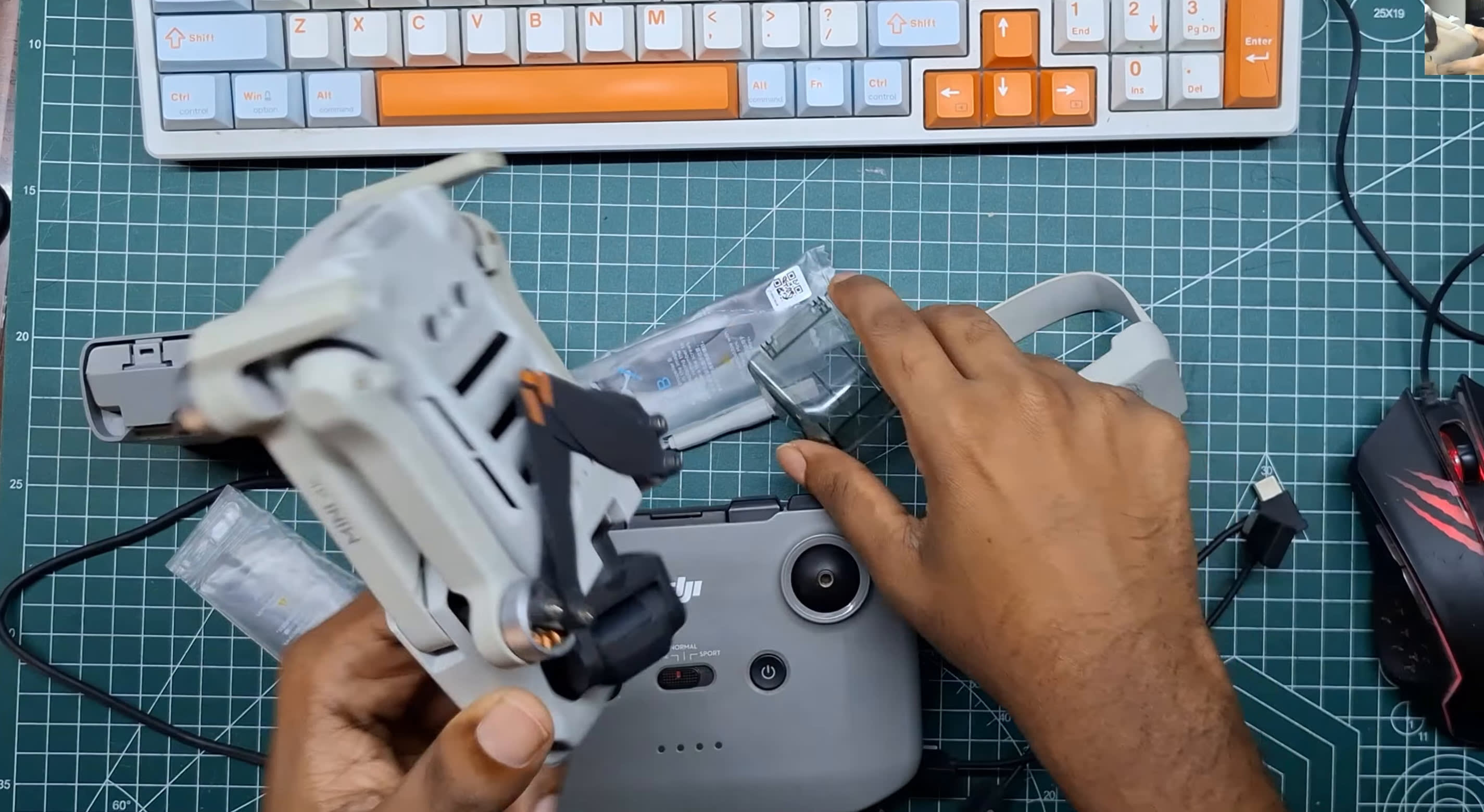
Unfold the arms, open the battery door at the back, slide a battery in, close the lid, and press the power button twice (a short press, then press and hold) to turn it on.
Why “under 249 g” matters
The Mini 4K is designed to stay under 250 g. In many countries, drones below that weight fall into a lighter set of rules than heavier drones. That’s a big reason why so many beginners start with a Mini.
Lighter rules don’t mean no rules. Always check your local drone laws. In Bangladesh and in many other countries you may need permission to fly in some areas, and flying over crowds or near airports is a bad idea everywhere.
The limitation you should know before buying
Look at the front and top of the Mini 4K and you won’t find obstacle sensors. The only sensors are underneath, and they help with landing and hovering low. Nothing stops the drone from flying into a wall or a tree. If you fly toward something, the drone will happily hit it.
Because of that, I bought propeller guards. They clip around the arms and protect the propellers, and the people and walls near them.
Flying it from my rooftop
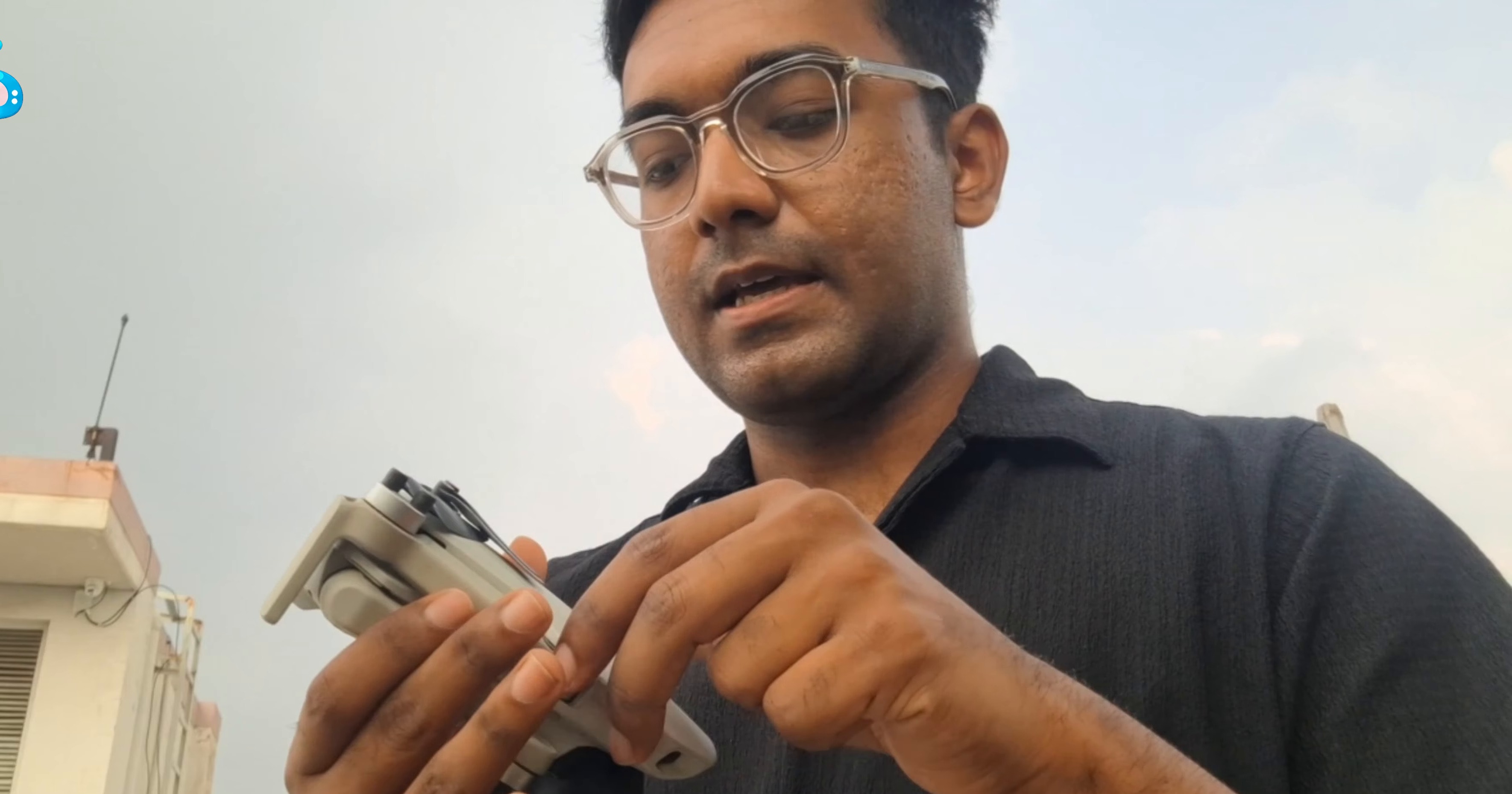
Here is my real routine before every flight, filmed on the roof of our building in Dhaka:
Tighten the propeller screws with the screwdriver from the box. They can loosen over time.
Choose the fullest battery. For this flight mine was only around half full, and the app showed about 48%.
Insert the battery and power on the drone.
Unfold the controller sticks, clamp your phone in place and connect the cable.
Open DJI Fly, connect to the drone and check the takeoff screen.
Take off, fly, and land on a clear, flat spot.
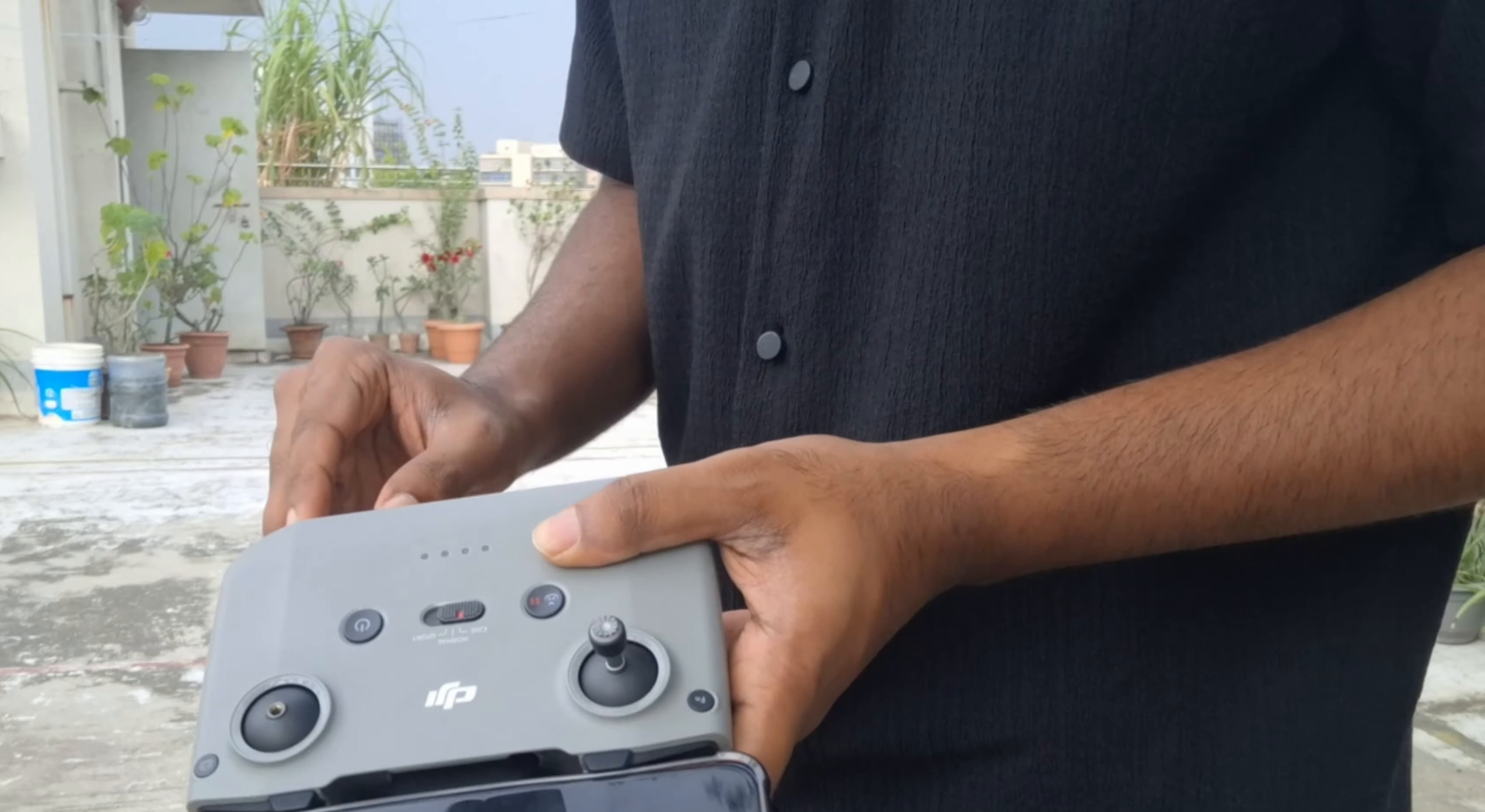
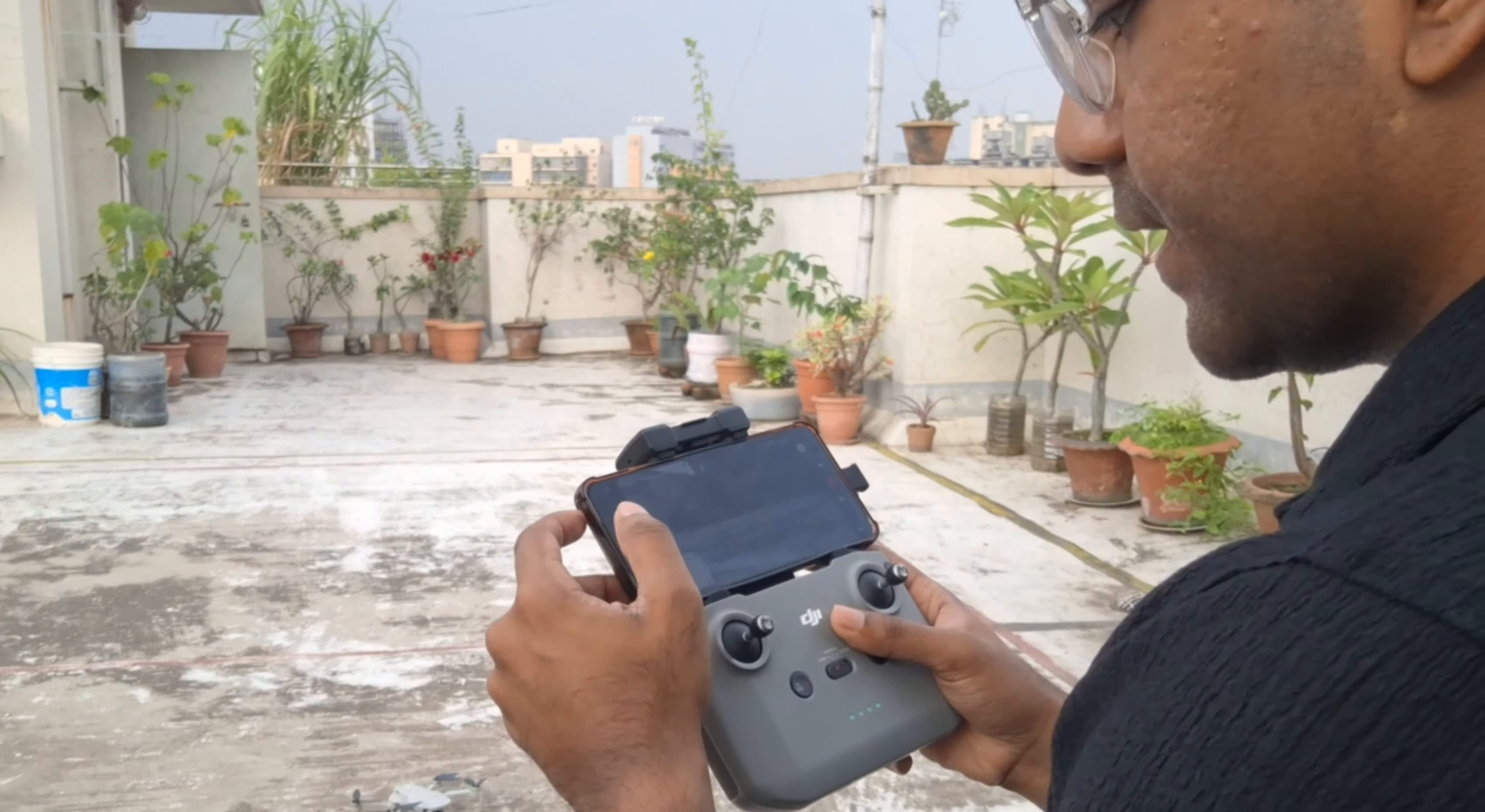
The RC-N1 controller doesn’t have a built-in display. Your phone clamps underneath and runs the DJI Fly app, which shows the camera view, battery and settings. It works well, but it means your phone must be charged too.
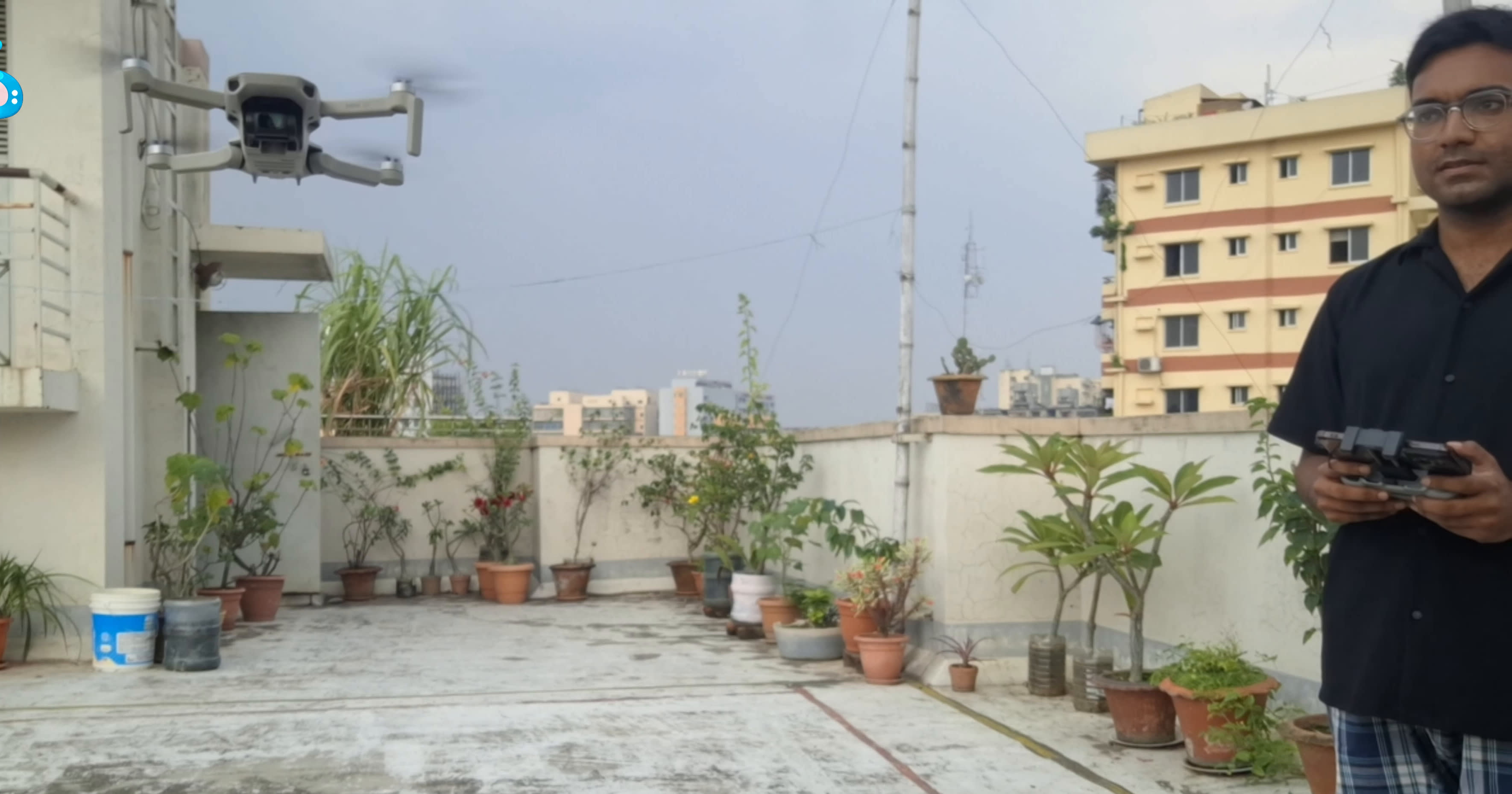
Takeoff was quick and easy. The drone climbed, held its position steadily, and was simple to bring back and land. For a first-time pilot, this is the Mini 4K’s best side: it’s calm and forgiving in open space.
After one year: drops, cracks and wear
This is where an honest review gets less pretty. In one year, mine was dropped at my university and on a metro rail trip, plus the hand-landing attempt that ended on the floor. Some of that is my fault. All of it shows.
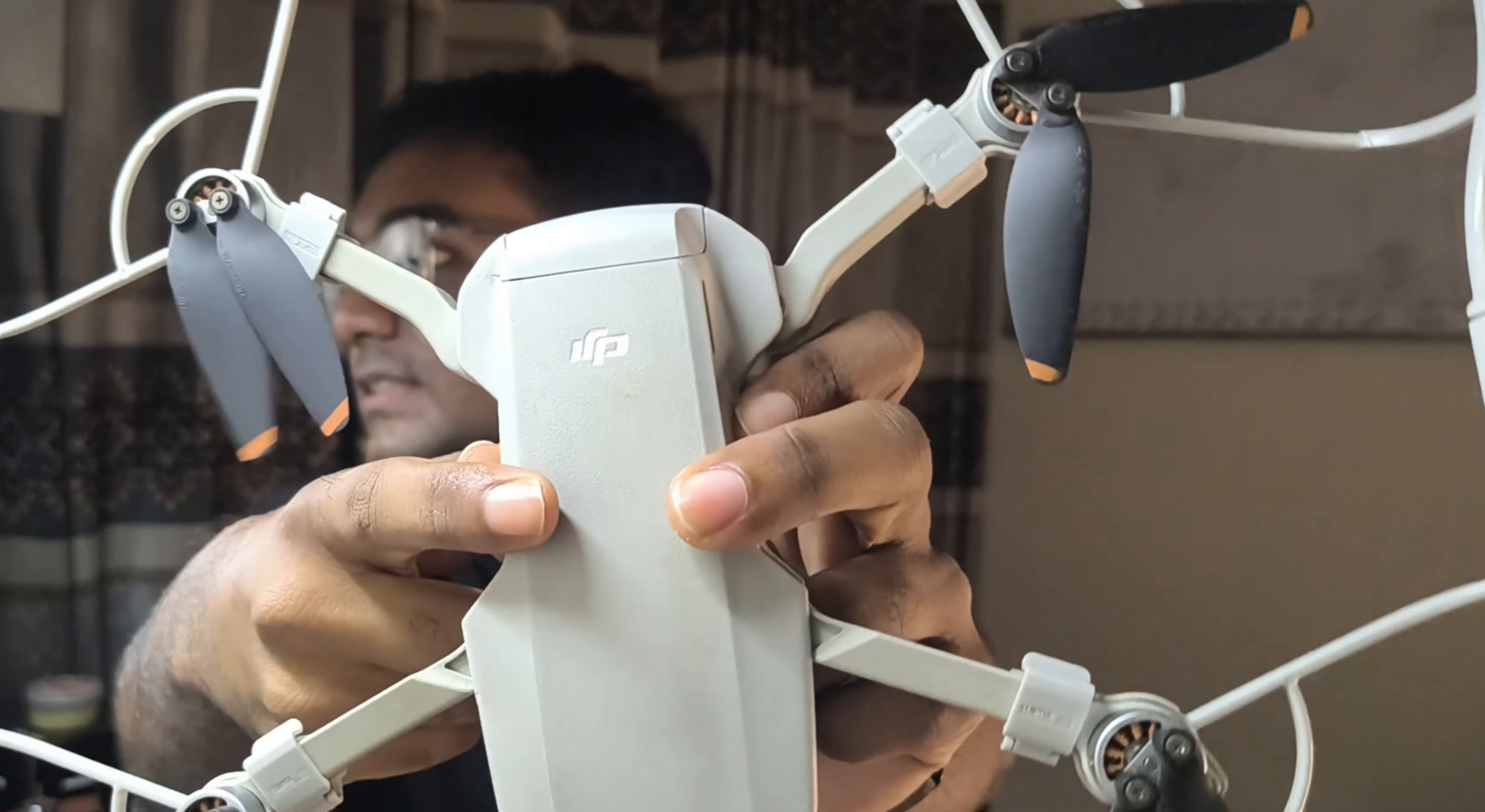
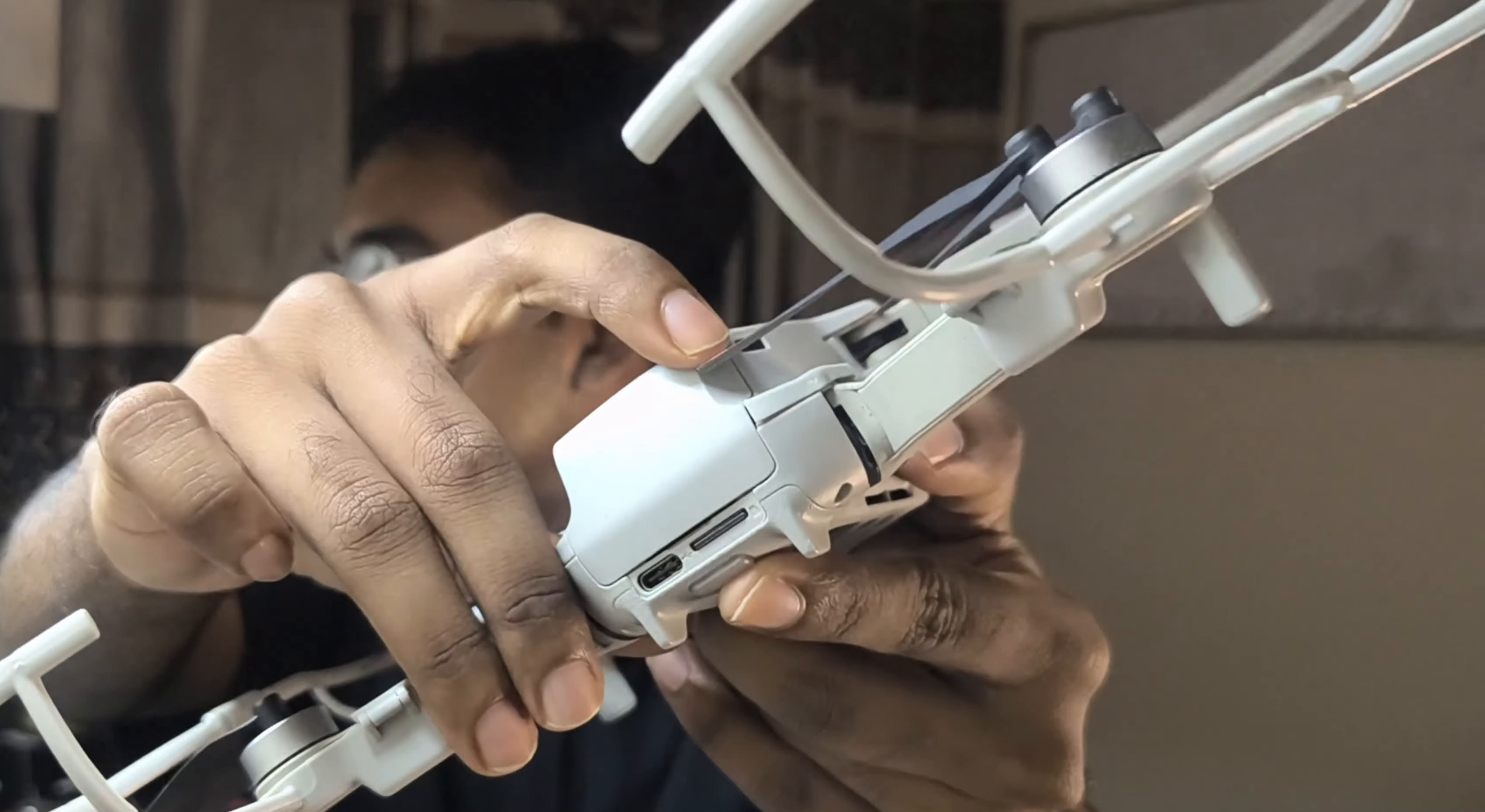
The surprising part: it still flies. For a 249 g drone, it has survived a lot. But every one of those incidents would have been less likely with obstacle detection.
What I like and what I don’t
| What I like | What I don’t |
|---|---|
| Small, foldable and easy to carry anywhere | No forward or top obstacle sensing |
| 4K video on a 3-axis gimbal, smooth and sharp | The shell cracks and wears after drops |
| Under 249 g, so it’s travel friendly | The RC-N1 needs your phone as a screen |
| Simple setup in DJI Fly, great for beginners | Propeller screws need regular checking |
| The Fly More Combo’s 3 batteries | Newer drones offer more for similar money |
DJI Mini 4K vs Lito X1, Flip and Neo 2
In 2026, DJI offers several small drones around the same price. These are the ones I’d compare. Prices are approximate and vary a lot by country and bundle.
| Mini 4K | Lito X1 | Flip | Neo 2 | |
|---|---|---|---|---|
| Obstacle sensing | Downward only | Forward LiDAR, vision all around, downward infrared | Forward 3D infrared, downward | Forward LiDAR, vision all around, downward infrared |
| Propeller protection | Optional guards | Not built in | Full guards built in | Full guards built in |
| Notable extras | Low price, 3-axis gimbal | 42 GB internal storage | Foldable guards, larger aperture | Tiny, follow-me and gesture control |
| Best for | Careful pilots in open spaces | Beginners who want safety and image quality | Flying near people and buildings | Selfies, vlogs and small spaces |
DJI Lito X1: the one I’d look at first
If I were buying today, this is where I’d look first. It’s also a sub-250 g drone, but it has forward-facing LiDAR plus vision sensors, so it can detect obstacles that my Mini 4K would fly straight into. It also has 42 GB of internal storage, which saves you when you forget the microSD card. Reviewers like T3 praise its value. One catch: it isn’t sold everywhere, including the US, so check availability where you live.
DJI Flip: the safest around people
The Flip has full propeller guards that fold with the drone and forward infrared obstacle sensing. If you fly near people, trees and buildings, those guards are a big deal. It launched at $439 with its controller in the US.
DJI Neo 2: tiny and cheaper
The Neo 2 costs less than the Mini 4K, has built-in guards, and adds forward LiDAR. It’s made for selfies, vlogs and following you around rather than long cinematic flights, but for many people that’s exactly the point. Engadget’s review calls it a great budget drone.
So, should you buy the DJI Mini 4K in 2026?
Here is my honest advice, after a year of owning one:
Budget around $400 and you want the safest choice: look at the DJI Lito X1 first, if it’s sold in your country.
Budget around $450–500 and you fly near people or buildings: the DJI Flip and its built-in guards.
You want something tiny for selfies and vlogs: the DJI Neo 2.
You find the Mini 4K at a good discount and you fly in open spaces: it’s still a great first drone. Buy propeller guards with it.
I paid about $400 for mine, and I still think it was worth it. I’ve had a lot of fun and some lovely footage. But if I were buying today, I’d spend a little more on obstacle detection. It would have saved me most of the cracks you saw above.
Into radio-controlled things? My review of the RadioMaster Pocket ELRS covers a controller that also works with FPV simulators, a cheap way to practise flying before you risk a real drone.
Your turn: which one would you buy, the Mini 4K, the Lito X1, the Flip or the Neo 2? Tell me in the comments.
This review is based on my own drone, which I bought myself, and on one year of flying it.
Frequently Asked Questions
Is the DJI Mini 4K good for beginners?
Yes. It’s easy to set up, stable in the air and forgiving in open spaces. Its main weakness is that it has no forward obstacle sensing, so you must watch for walls and trees yourself.
Does the DJI Mini 4K have obstacle avoidance?
No. It only has sensors underneath for landing and low hovering. It won’t stop itself before hitting something in front of it.
Do I need the Fly More Combo?
I recommend it. Three batteries and a charging hub give you much more flying time per session, and the bag keeps everything together.
Does the RC-N1 controller have a screen?
No. You clamp your phone to it and use the DJI Fly app as the screen.
Is the DJI Lito X1 better than the Mini 4K?
For most beginners, yes, if you can buy it where you live. Its forward LiDAR and vision sensors help prevent the kind of crashes the Mini 4K can’t avoid, and it has built-in storage.
Do I need permission to fly a drone under 250 g?
It depends on your country and where you fly. Lighter drones often have simpler rules, but many places still need registration or permission. Check your local aviation authority before flying.
Comments (0)
No comments yet. Start the discussion.